
Microsoft Teams Rooms Solutions
Home »Better Meetings Start With Better Rooms
Absolute Audio Video designs, installs, programs, and supports Microsoft Teams Rooms for organizations that want a more consistent meeting experience across huddle rooms, conference rooms, boardrooms, training rooms, classrooms, and collaboration spaces.
Whether you are upgrading one conference room or standardizing meeting technology across multiple spaces, AAV can help you plan the right solution, select the right equipment, install the system properly, and support it long after the room is complete.

Why Choose Microsoft Teams Rooms?
Microsoft Teams Rooms bring the Microsoft Teams experience into physical meeting spaces. For organizations already using Microsoft Teams, Outlook, Microsoft 365, and shared calendars, Teams Rooms create a more natural connection between the tools employees already use and the rooms where meetings happen.
Native Microsoft Teams Experience
Teams Rooms are built around the Microsoft Teams platform, making it easier for employees to join scheduled meetings, invite rooms, share content, and collaborate using familiar tools.
Better Hybrid Collaboration
Hybrid work depends on communication that feels natural and inclusive. Microsoft Teams Rooms improve the connection between in-room and remote participants through professional cameras, optimized audio, shared content, room displays, and collaboration tools.
Easier Technology Management
Standardized rooms can simplify support for IT and operations teams. With the right design, organizations can move away from disconnected devices and inconsistent room setups.
AAV helps create meeting spaces that are practical to use, easier to support, and scalable across departments, buildings, or campuses.
Benefits of Microsoft Teams Rooms
Reliable Meetings in Every Space
A well-designed Microsoft Teams Room gives your team a consistent meeting experience from room to room. Instead of relying on laptops, loose cables, inconsistent webcams, or confusing setups, employees can walk in and start a meeting with confidence.
Simple, Intuitive Room Control
The best meeting room technology feels easy from the moment someone walks in. With the right controls, users can join meetings, present content, adjust audio, and manage the room without needing technical support.
Professional-Grade Audio and Video
Clear audio and strong camera coverage are essential for hybrid meetings. AAV helps design Teams Rooms with the right mix of:
- Cameras for clear participant visibility
- Microphones for better voice pickup
- Speakers for natural room audio
- Displays for presentations and remote participants
- Touch panels for simple meeting control
- Room scheduling tools for better space management
Each component works together to create a smoother experience for everyone in the meeting.
Scalable Room Standards
For organizations with multiple meeting spaces, consistency matters. AAV can help standardize Microsoft Teams Rooms across different room types while still tailoring each system to the size, purpose, and layout of the space.
This creates a familiar experience for users and a more manageable system for IT teams.
Microsoft Copilot in Teams Rooms
Microsoft Copilot is changing how teams capture, summarize, and follow up after meetings. When used with Microsoft Teams, Copilot can help turn conversations into clearer notes, decisions, and action items.
With Copilot, teams can benefit from:
AI-generated meeting summaries
When paired with a properly designed Teams Room, Copilot helps transform the room from a simple conferencing space into a smarter collaboration environment.
Signature Microsoft Teams Rooms
Some meeting spaces need more than a standard video conferencing setup.
Signature Microsoft Teams Rooms are designed for organizations that want a more immersive, polished, and equitable meeting experience. These spaces are often used for executive meetings, client presentations, leadership collaboration, board meetings, and high-impact hybrid communication.
A Signature Teams Room combines AV technology, room layout, acoustics, lighting, furniture placement, display selection, camera positioning, and user experience into one coordinated environment.

Wide, Immersive Displays
Larger displays or ultra-wide screen formats can help create a more natural connection between in-room participants and remote attendees.This creates a familiar experience for users and a more manageable system for IT teams.
Thoughtful Room Layout
The shape of the room, table placement, display location, and camera position all affect how people communicate. AAV looks at the full space, not just the equipment list.
Intelligent Camera and Microphone Placement
Camera angles, speaker tracking, microphone coverage, and audio processing all matter. A Signature Teams Room should capture the room clearly without making the meeting feel awkward or disconnected.
Integrated AV and Architectural Design
High-end meeting rooms often require coordination between AV systems, lighting, acoustics, furniture, cabling, and room control. AAV helps bring these elements together so the room looks professional and performs properly.
Tailored Microsoft Teams Rooms for Every Space
Every room has a different purpose. AAV designs Microsoft Teams Rooms around the size of the room, the number of participants, the way the space is used, and the experience your team wants to create.

Huddle Rooms
Huddle rooms are built for quick conversations, small team meetings, and fast collaboration. AAV can design compact Microsoft Teams Rooms that make it easy to walk in, join a meeting, and collaborate without extra steps.

Conference Rooms
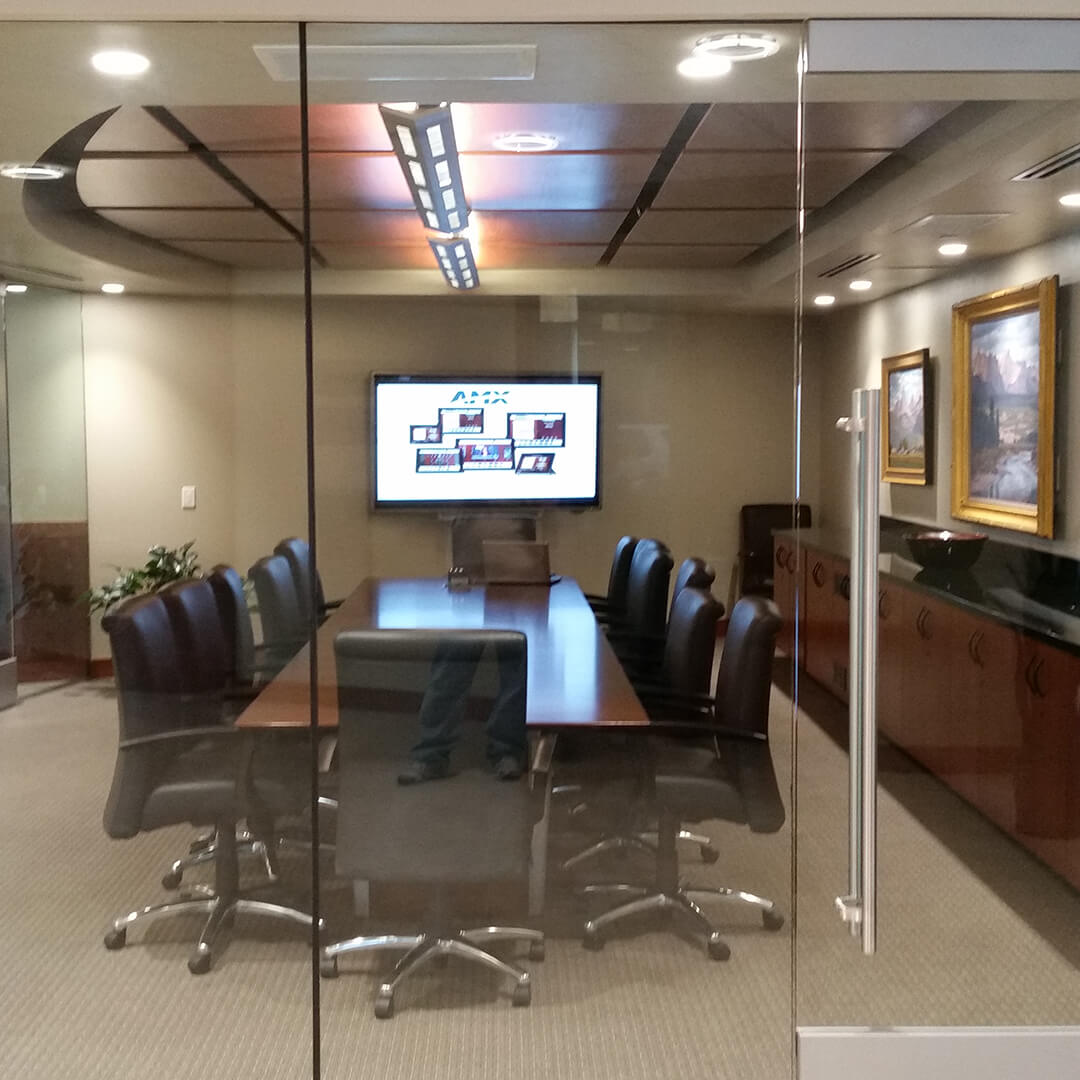
Conference rooms are the everyday workhorses of most organizations. AAV designs conference room Teams systems that balance performance, usability, and clean integration for internal meetings, client calls, presentations, and planning sessions.
Executive Boardrooms
Executive boardrooms require a higher level of polish, performance, and reliability.
These spaces often host:
- Leadership meetings
- Client presentations
- Investor conversations
- Board meetings
- Strategic planning sessions
- High-value hybrid calls
AAV can integrate premium displays, microphones, cameras, control systems, and automation to create a professional meeting environment.
Training Rooms
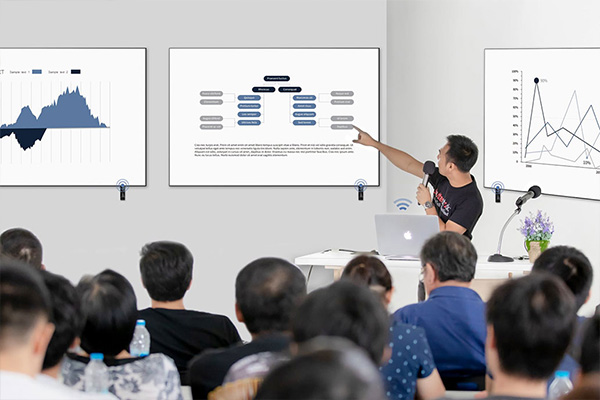
Training rooms need flexibility. AAV designs Microsoft Teams Rooms for training spaces with clear presenter audio, audience visibility, content sharing, room control, and scalable AV systems that support both in-person and remote participation.

Classrooms and Learning Spaces
Educational and corporate learning environments require technology that supports both the instructor and the audience. AAV can design Teams-enabled spaces that help instructors present clearly, share content, engage remote participants, and manage the room without unnecessary complexity.
Microsoft Teams Rooms Services
A successful Teams Room project requires more than equipment. It takes planning, design, product expertise, installation, programming, testing, training, and support.
Consultation and System Design
AAV starts by understanding how your team uses the room, who will be joining meetings, what technology you already have, and what problems need to be solved.
From there, our team can recommend the right room layout, display configuration, camera approach, microphone strategy, speaker setup, room controls, and supporting AV infrastructure.
Product Expertise
The right equipment depends on the room. AAV helps select commercial-grade AV products that align with the size of the space, expected use, desired experience, and long-term goals.
This may include:
- Teams-compatible cameras
- Commercial displays
- Ceiling, table, or beamforming microphones
- Room speakers
- Touch panels
- Room scheduling panels
- Mounting hardware
- Cabling and infrastructure
- Control systems
Professional Installation and Integration
Clean installation matters. AAV handles mounting, cabling, placement, installation, and integration so your Microsoft Teams Room looks professional, functions properly, and supports the performance expectations of the system.
Programming and Room Control
The user interface is one of the most important parts of the room. AAV’s programming team can create intuitive room controls that make it easier to manage meetings, displays, audio, lighting, source selection, and other connected systems.
Testing, Training, and Support
Before a room is turned over to your team, AAV reviews the performance of the audio, video, controls, connectivity, displays, and user experience.
After installation, AAV can also help with:
- User training
- Troubleshooting
- Maintenance
- System adjustments
- Ongoing support
- Long-term service planning
Featured Microsoft Teams Room Applications
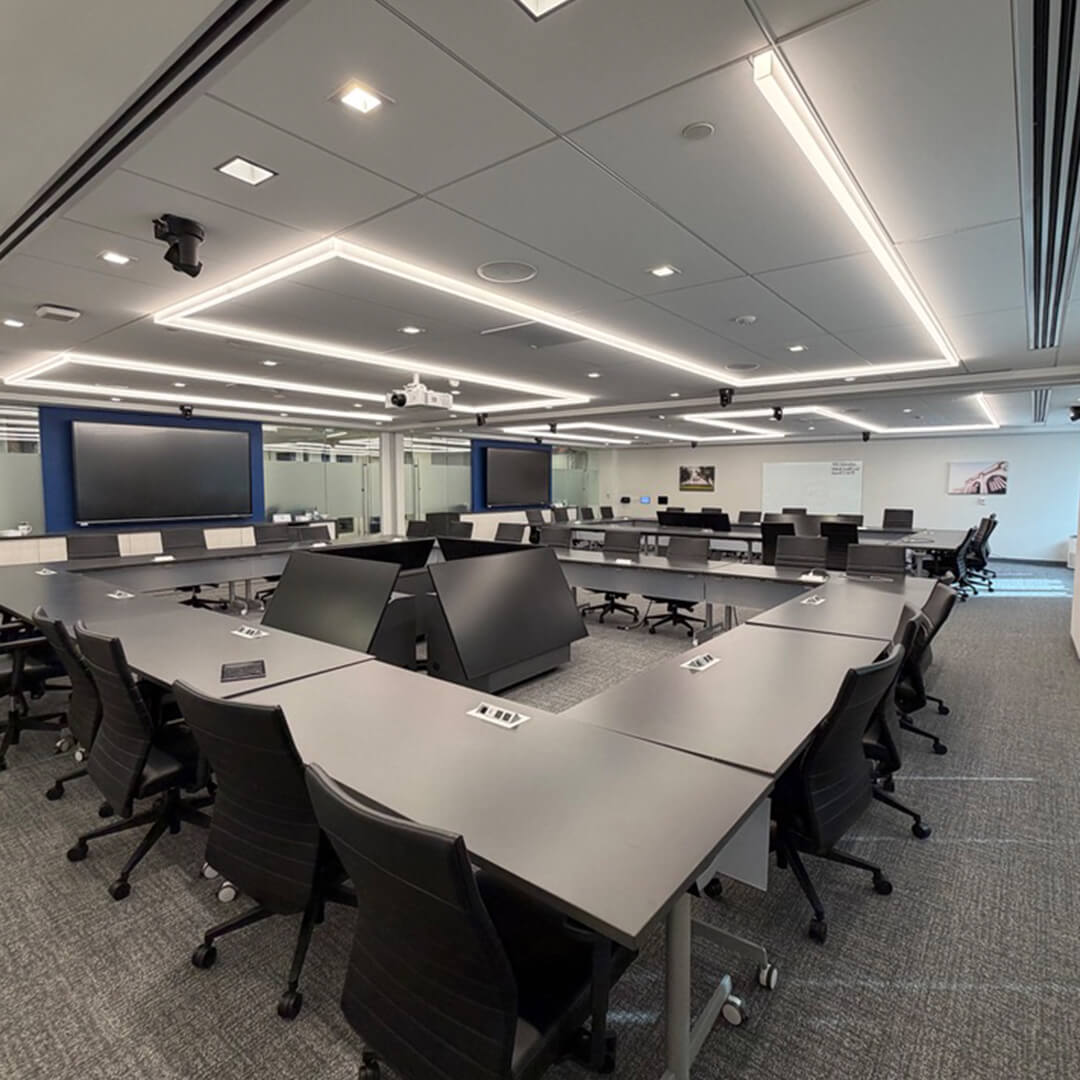
Microsoft Teams Rooms can support a wide range of organizations and environments. AAV works with businesses, institutions, and facilities that need dependable communication spaces designed for real-world use.
Corporate Offices
Corporate teams need meeting rooms that support daily collaboration, leadership meetings, client calls, and hybrid work.
Healthcare Organizations
Healthcare teams often need secure, reliable spaces for administrative meetings, training, provider collaboration, and multi-location communication.
Education and Training Facilities
Classrooms, lecture spaces, and training rooms need technology that supports both in-person and remote learning.
Government and Public Sector Spaces
Government spaces often require dependable meeting technology for planning, coordination, training, and public communication.
Executive and Client-Facing Environments
Why Partner With Absolute Audio Video?
A better Microsoft Teams Room starts with the right AV partner. AAV helps organizations think through the entire room experience, from the way people enter the space to the way they join a meeting, share content, hear the conversation, and interact with remote participants.
What AAV Brings to the Project
- Commercial AV experience across a wide range of room types
- Full-service design, installation, programming, and support
- Product recommendations based on the needs of the space
- Clean, professional integration
- User-focused room controls
- Support for long-term system performance
- Scalable room standards for growing organizations
Every project is designed around your space, your team, and the way your organization collaborates.